


We may receive a commission on purchases made from links.
The MacBook Air M1 was a monumental laptop because it marked Apple’s move away from Intel processors to its own system-on-chip (SoC), known as Apple Silicon. The M1 was the first Apple Silicon chip, introducing a unified memory in which the CPU and GPU share the same memory pool. It delivered significantly better performance and efficiency than the Intel chips that came before it, resulting in exceptional battery life. The MacBook Air M1 launched in November 2020, making it nearly six years old — long enough to give anyone pause before buying one in 2026.
If you’re looking for an entry-level MacBook for light work, spending upwards of a thousand dollars for the MacBook Air M4 or M5 may be overkill. The MacBook Air M1 remains a compelling option in 2026. Finding a brand-new model is difficult, but you can find a refurbished unit from third-party resellers at a cheaper price, often for less than $650.
The MacBook Air M1 still offers excellent performance, build quality, and battery life. It can also hold its own against modern midrange Windows laptops, especially if you can find a model with 16GB of unified memory. Apple has also confirmed that the MacBook Air M1 supports macOS 27 Golden Gate, which is expected to launch in September 2026. If you need a little more performance, however, consider getting the MacBook Air M2, also a worthwhile buy in 2026.
A light productivity and entertainment machine

The MacBook Air M1 easily handles light workloads, even in its base 8GB configuration. You’ll be able to comfortably browse the web, create documents in Microsoft Word and Google Docs, and jump on Zoom calls without issue. You can even stream 4K videos on Netflix and YouTube. That said, you’ll still want to be mindful of how many apps and browser tabs you keep open, especially when working with memory-hungry websites or applications.
Battery life remains one of its biggest strengths, with Apple rating it at up to 15 hours of wireless web browsing or up to 18 hours of video playback on a single charge. But since you’ll most likely be getting a used or refurbished model, expect some battery degradation. Reputable sellers often sell units with a battery health of at least 85%. The laptop is also completely silent thanks to its fanless design, while its aluminum unibody chassis still feels premium years after launch.
You can do some decent gaming on it, too. According to tests performed by YouTuber Andytizer, the MacBook Air M1 can run games ported to Mac Silicon like “Death Stranding,” “Resident Evil 4,” and “No Man’s Sky” at 1080p, averaging 40 to 55 fps with MetalFX (Apple’s upscaling technology) set to Performance mode. The laptop’s 13.3-inch Retina display also helps keep games looking sharp.
It’s all about knowing the limitations
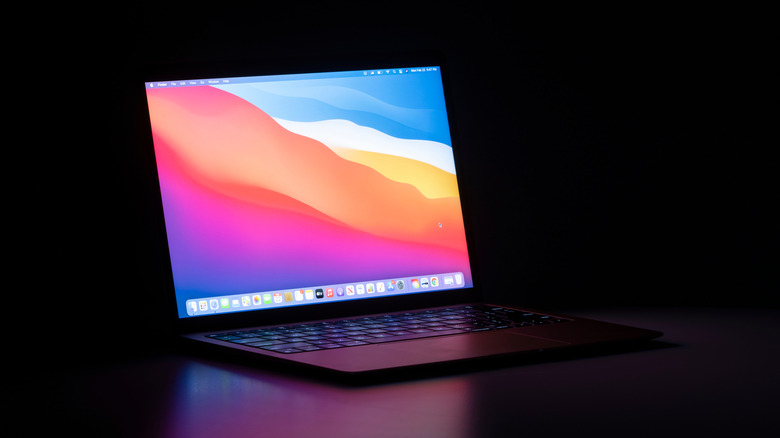
While the MacBook Air M1 can be opened with one finger, it’s a bit finicky because the laptop is so lightweight, and the bottom lifts with the lid most of the time. The display still looks great, but it’s a standard LED-backlit panel with a maximum brightness of 400 nits. That means it can be difficult to see outdoors in bright sunlight. This is perhaps due to the lack of mini-LEDs, which help models like the 14-inch MacBook Pro M1 reach 1,600-nit peak brightness.
Storage is another limitation. If you’re someone who works with a lot of large files, you’ll likely quickly fill up the 256GB SSD storage on the base model. You can find MacBook Air M1 laptops with up to 2 TB of storage, but those tend to command higher prices. The easy solution used to be an external SSD, but prices have fluctuated in recent years due to NAND flash supply and demand.
The MacBook Air M1 also has just two USB-C ports, which can feel limiting if you tend to plug in multiple peripherals. You can easily fix that with something like the Anker 5-in-1 USB-C Hub, which offers an extra USB-C port, three USB-A 2.0 ports, and an HDMI port for $19.99. It’s also worth keeping in mind that the laptop only supports one external monitor, which rules out dual-monitor setups unless you have workarounds.

